Comic Making Guides & Free Printable Comic Templates
35 free guides to making comics, manga and webtoons, from your first page to print-ready files, plus printable blank comic pages, comic strip, storyboard and 4-koma templates. Everything here works with the free BlankComic editor: no account, no install, no watermark.
No guide matches that search. Try a shorter word, or browse the topics.
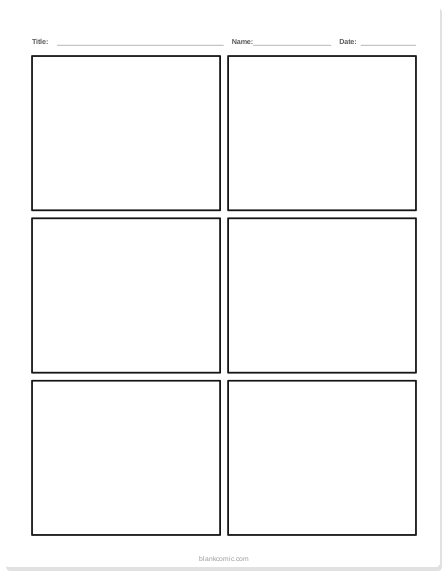
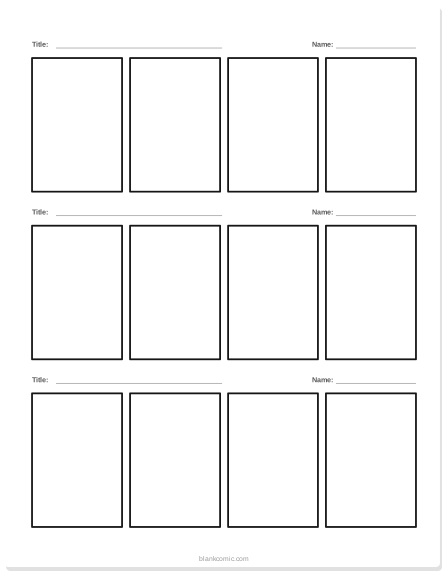
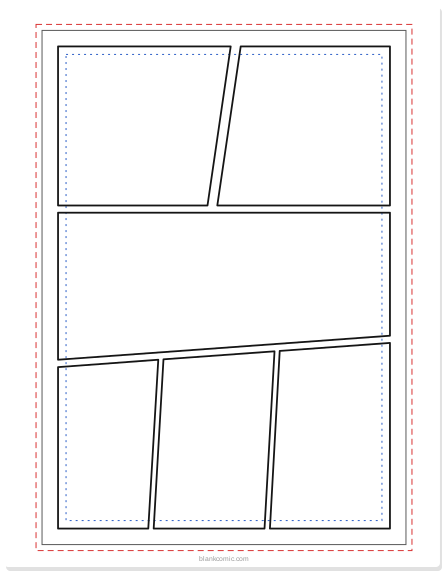
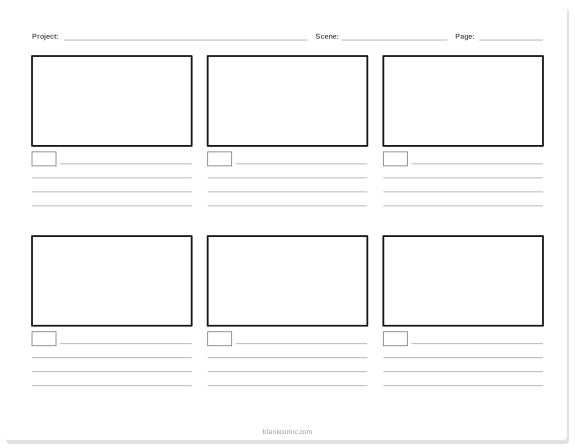
Free printable templates
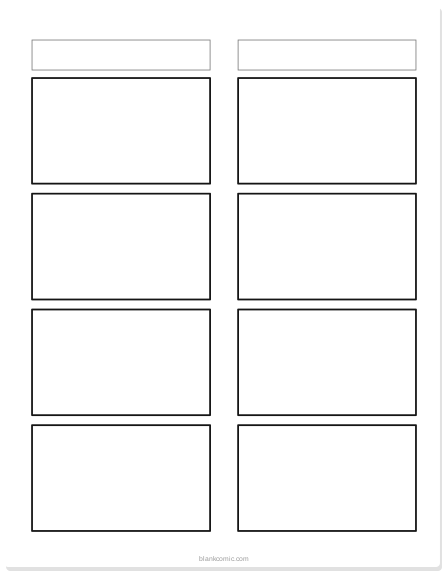
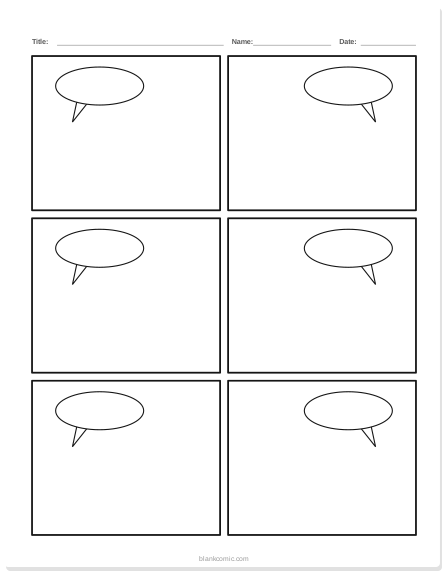
Vector PDFs in US Letter and A4. Pick a type to see every layout and download it.
Latest guides
-
GUIDE
Standard Comic Book Page Size (Inches & Pixels)
The standard US comic book page is 6.625 × 10.25 in at trim and 6.875 × 10.5 in with bleed. Size chart for comics, manga and webtoons, in inches and pixels.
-
GUIDE
Comic Book Lettering Guide: Fonts, Sizes & SFX
How to letter a comic: choosing a comic font, all caps and the crossbar I, font size for print and web, balloon padding and tails, captions and sound effects.
-
TEMPLATES
Printable Storyboard Template PDF (Free)
Free printable storyboard templates (PDF, A4 and US Letter): 16:9 with 6 frames, vertical 9:16 for Reels and TikTok, a 3-frame notes sheet and thumbnails.
-
GUIDE
How to Make a Comic Strip on Google Slides
Make a comic strip in Google Slides in 6 steps: set the page size, draw panels, add speech bubbles and download a PDF. Free comic strip template included.
-
TEMPLATES
4-Koma Template: Free Printable Yonkoma Strips
Free printable 4-koma manga templates (A4 and US Letter) and a guide to writing yonkoma strips with kishōtenketsu: setup, development, twist and conclusion.
-
IDEAS
Reading Comprehension Comic Strip Activities + PDF
Eight reading comprehension comic strip activities for sequencing, character, theme and summary, with a rubric and how to make your own printable PDF.
Free printable comic templates
Blank comic book pages, comic strips, manga panels, storyboards and 4-koma sheets. Every template is a free PDF in US Letter and A4.
-
PRINTABLE
Blank Comic Book: Free Printable Pages & Templates
Free blank comic book pages — printable, no-bleed layouts, fully customizable. Download or build online with BlankComic. No account needed.
-
TEMPLATES
Comic Strip Template: 4-Panel, 6-Panel & More
Free comic strip templates for every format: 4-panel, 6-panel, vertical strips, landscape. Build and print any template online — no account needed.
-
KIDS & EDUCATION
Blank Comic Book for Kids: Free Printable PDF Pages
Free printable blank comic book pages for kids — preschool to elementary, classroom-ready PDFs. Build and export in minutes with BlankComic.
-
SPEECH BUBBLES
Blank Comic Book With Speech Bubbles: Free Templates
Free printable blank comic pages with pre-placed speech bubbles — round, jagged, thought cloud and whisper styles. Build online instantly.
-
MANGA
Blank Manga Panels to Fill In: Free Templates
Free blank manga panels — 4-koma strips to dramatic asymmetric layouts. Build your own manga panel template and export print-ready pages instantly.
-
TEMPLATES
Printable Storyboard Template PDF (Free)
Free printable storyboard templates (PDF, A4 and US Letter): 16:9 with 6 frames, vertical 9:16 for Reels and TikTok, a 3-frame notes sheet and thumbnails.
-
TEMPLATES
4-Koma Template: Free Printable Yonkoma Strips
Free printable 4-koma manga templates (A4 and US Letter) and a guide to writing yonkoma strips with kishōtenketsu: setup, development, twist and conclusion.
Comics in the classroom
Lesson-ready templates, activities and step-by-step guides for teachers, including Google Slides and Google Docs workflows.
-
EDUCATION
Classroom Comic Templates: Free Printable PDFs
Free blank comic book and storyboard templates for the classroom — printable PDFs, Google Slides strips, and grade-by-grade panel counts.
-
TEMPLATES
Free Printable Comic Strip Templates for Elementary Students (PDFs)
Download free printable comic strip templates for elementary students. Includes 3-panel, 4-box, and speech bubble layouts for kindergarten to 5th grade.
-
IDEAS
25 Easy Comic Strip Ideas for School Projects
25 easy comic strip ideas for school — organized by grade level and subject. Includes a simple 3-beat story formula for any blank panel layout.
-
IDEAS
Reading Comprehension Comic Strip Activities + PDF
Eight reading comprehension comic strip activities for sequencing, character, theme and summary, with a rubric and how to make your own printable PDF.
-
EDUCATION
ESL Comic Worksheets With Blank Panels: Teacher Guide
Build ESL comic worksheets with blank panels: eight formats by CEFR level, a free sample, differentiation tips and a marking rubric for teachers.
-
GUIDE
How to Make a Comic Strip on Google Slides
Make a comic strip in Google Slides in 6 steps: set the page size, draw panels, add speech bubbles and download a PDF. Free comic strip template included.
-
TUTORIAL
How to Make a Comic Strip on Google Docs, Step by Step
Make a comic strip on Google Docs with a table for panels, the Drawing tool for speech bubbles and page setup for print. Plus a no-login option.
How to make a comic
From your first page to a finished comic book, manga chapter or graphic novel script.
-
BEGINNER
Getting Started: Your First Comic Page in 5 Minutes
Make your first comic page in BlankComic in five minutes: pick a page size and layout, split panels, add speech bubbles and a picture, then download PNG or PDF.
-
GUIDE
Comic Book Creator: Make Your Own Comic Book Free
Turn a blank page into a finished comic book. This free comic book creator guide covers storyboarding, templates, panel layout, and printing.
-
TOOL GUIDE
Comic Strip Maker & Layout Generator — Free Online
Free comic strip maker and layout generator. Build 4-panel strips, square layouts, full-page grids — export print-ready PNG, PDF, or SVG instantly.
-
GUIDE
How to Make Manga Online: Free Step-by-Step Guide
Learn how to make manga online for free: write the story, draw the name, lay out right-to-left panels, add bubbles and export, all in your browser.
-
GUIDE
Turn a Short Story Into a Graphic Novel Script
Turn a short story into a graphic novel script: pick the beats you can draw, budget pages, write one moment per panel and format it. Example included.
-
ADVANCED
Multi-Page Comic Storytelling: Scenes & Continuity
Learn how to structure a multi-page comic with BlankComic: managing scenes, planning page turns, maintaining visual continuity, and organising a longer story.
-
CHARACTERS
Comic Character Color Palette & Consistency Guide
Stop character color drift: build a 3 to 5 color palette for each character, record the hex codes on a reference sheet and reuse them on every page.
-
TIPS
Comic Editor Keyboard Shortcuts: Cheat Sheet
Every BlankComic keyboard shortcut on one cheat sheet: split panels with H and V, add bubbles with B, duplicate with Ctrl+C and download with Ctrl+E.
Panels and page layout
How panel size, shape, grids and gutters control pacing and guide the reader’s eye.
-
LAYOUT
Comic Panel Composition: Pacing, Size & Layout
How comic panel size, shape and borders control pacing, tension and the reader’s eye, with layouts like the establishing panel, T-bone and splash page.
-
THEORY
How Many Panels in a Comic Book Page? Full Guide
How many panels per comic book page? Industry standard is 5–6. This guide covers panel counts by genre, layout options, and storytelling pace.
-
LAYOUT
Comic Panel Grid Geometry & Asymmetric Layouts
Learn the grid math behind classic comic layouts and build asymmetric panel grids step by step: cells, gutters, spans, and a beginner tutorial.
-
LAYOUT
Comic Gutter & Tier Anatomy: Print to Digital
Learn the anatomy of a comic page: panels, gutters, and tiers. See how gutters evolved from print to scroll and design dynamic gutters step by step.
Speech bubbles and lettering
Balloon styles, placement, fonts, font sizes and sound effects.
-
BUBBLES
Speech Bubble Styles Explained — When to Use Each
Round, jagged, thought cloud, whisper — learn when and how to use each speech bubble style in BlankComic for maximum storytelling impact.
-
GUIDE
How to Layout Speech Bubbles in Webcomics
Learn how to layout speech bubbles in webcomics: set reading order, aim tails, leave room for text and keep dialogue readable on a phone screen.
-
GUIDE
Comic Book Lettering Guide: Fonts, Sizes & SFX
How to letter a comic: choosing a comic font, all caps and the crossbar I, font size for print and web, balloon padding and tails, captions and sound effects.
Page sizes, print and export
Exact dimensions for comics, manga and webtoons, plus resolution, scanning and print-on-demand setup.
-
GUIDE
Standard Comic Book Page Size (Inches & Pixels)
The standard US comic book page is 6.625 × 10.25 in at trim and 6.875 × 10.5 in with bleed. Size chart for comics, manga and webtoons, in inches and pixels.
-
EXPORT
Best Comic Export Format: PNG, JPG, PDF or SVG?
PNG, JPG, PDF or SVG? Which comic export format and DPI to use for print, web and social media, with pixel sizes, file size tips and the .blank project file.
-
GUIDE
Webtoon Canvas Size in Pixels: 800 px Wide Setup Guide
The standard webtoon canvas size is 800 px wide, sliced at up to 1280 px tall. Learn what to draw at, how big to space panels and how to export.
-
TEMPLATES
Manga Manuscript Paper vs Western Comic Templates
Compare manga manuscript paper with Western blank comic templates: B4 vs 11x17 boards, inner frame, bleed, resolution, and reading direction explained.
-
PUBLISHING
KDP Blank Comic Interior: Zero Bleed & Spine Guide
Set up a zero-bleed KDP blank comic interior: trim sizes, margins by page count, and the exact spine width formula, with a worked 100-page example.
-
WORKFLOW
How to Scan Hand Drawn Comic Pages
Complete guide to scanning hand-drawn comic pages: scanner settings, phone camera tips, levels cleanup workflow, and how to import into BlankComic.