A storyboard is a comic made to plan a video: one frame per shot, with notes underneath about the action, the sound and the camera. Below are four free printable storyboard templates, each in US Letter and A4, for widescreen video, vertical phone video, classroom projects and fast thumbnailing. After the downloads you will find a plain-English guide to filling one in, with a worked example.
Quick Summary
- Pick a template by screen shape: 16:9 for YouTube and film, 9:16 for Reels, TikTok and Shorts.
- Every frame gets a shot number, a shot size, the action, the audio and a duration.
- Stick figures are fine. Clear camera position and shot order matter more than drawing.
- All templates are vector PDFs, free for personal and classroom use.
Download the storyboard templates
Click the paper size you print on. US Letter is standard in the US and Canada, A4 almost everywhere else. Every sheet has Project, Scene and Page fields, a box for the shot number and lines for notes.
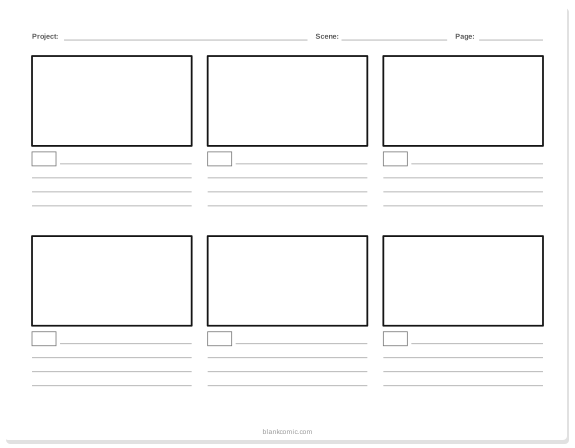
16:9 storyboard, 6 frames
The classic widescreen sheet for YouTube videos, short films, ads and animation. Landscape.
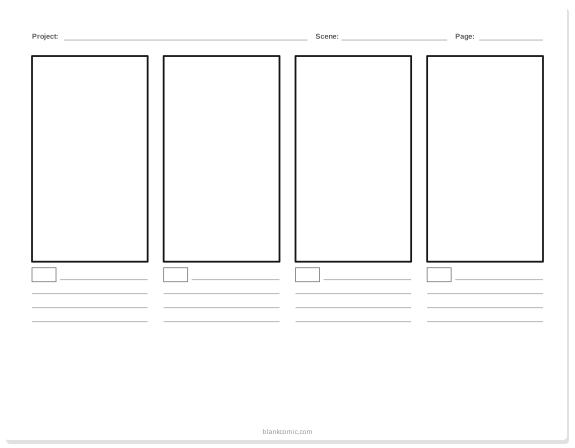
Vertical 9:16 storyboard, 4 frames
Phone-shaped frames for Instagram Reels, TikTok and YouTube Shorts. Landscape sheet, four tall frames.
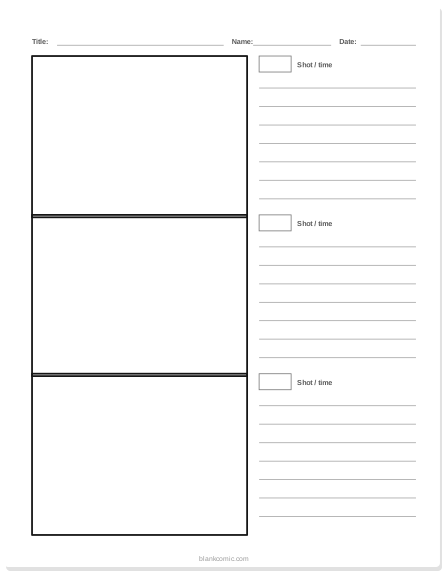
3-frame storyboard with big notes
Three large 4:3 frames with seven note lines each. Best for students and for scenes that need explanation. Portrait.
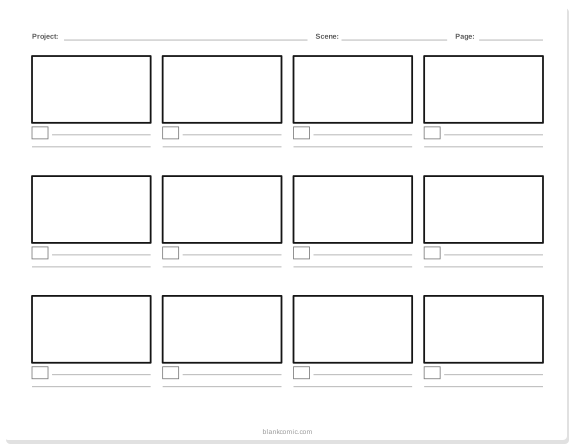
Thumbnail sheet, 12 frames
Small 16:9 frames for blocking out a whole sequence quickly before you draw the real boards. Landscape.
Which storyboard template should you use?
| Project | Template | Why |
|---|---|---|
| YouTube video, short film, animation | 16:9, 6 frames | Matches the screen; six shots fit a typical scene |
| Reels, TikTok, Shorts | Vertical 9:16 | You compose for a tall screen from the first frame |
| School video or PSA | 3 frames with notes | Room to explain the shot, the sound and why |
| First pass at a long sequence | Thumbnail sheet | Twelve tiny frames are quick to redraw and rearrange |
| Comic or graphic novel page | Blank comic pages | Comic panels vary in size; storyboard frames do not |
How to fill in a storyboard, frame by frame
A good storyboard answers the same five questions for every shot. Write them in the note lines under each frame:
- Shot number. In the small box. Numbers let a crew talk about “shot 7” and let an editor find it later.
- Shot size. Wide, medium or close-up (see below). Write WS, MS or CU to save space.
- Action. What moves in the frame, in present tense: “Maya drops the keys.”
- Audio. Dialogue, sound effects or music: “SFX: keys clatter.”
- Duration. Seconds on screen. Add them up before you shoot to check the length.
Inside the frame, draw only what the camera sees. Use arrows for movement: a thick arrow for a character walking, a thin arrow at the edge of the frame for a camera move. If the camera zooms, draw a smaller rectangle inside the frame where the zoom ends.
| Shot size | Shows | Use it for |
|---|---|---|
| Wide shot (WS) | The whole location, characters small | Opening a scene, showing where everyone is |
| Medium shot (MS) | A character from the waist up | Conversation and ordinary action |
| Close-up (CU) | A face or an important object | Emotion, reactions and details the audience must not miss |
Camera words you can write in the notes
| Term | Meaning |
|---|---|
| Pan | The camera turns left or right from one spot |
| Tilt | The camera turns up or down from one spot |
| Zoom | The lens magnifies; the camera does not move |
| Dolly / tracking | The camera itself moves toward, away from or alongside the subject |
| High angle / low angle | Camera above the subject (smaller, weaker) or below it (bigger, stronger) |
| Over the shoulder (OTS) | Behind one character, looking at another; the standard conversation shot |
| Cut / fade | How one shot changes to the next: instantly, or by dissolving |
Worked example: a 30-second school video
Here is how a short public-service video about recycling looks as a storyboard, written as a table. Each row is one frame on the 3-frame or 16:9 template.
| Shot | Size | Action | Audio | Time |
|---|---|---|---|---|
| 1 | WS | School yard after lunch, litter everywhere | Bell rings | 4 s |
| 2 | CU | A hand drops a plastic bottle on the ground | SFX: bottle clatters | 3 s |
| 3 | MS | Another student stops and looks at it | Silence | 4 s |
| 4 | CU | The bottle goes into a recycling bin | Music starts | 5 s |
| 5 | WS | The whole class picks up litter together | Music | 8 s |
| 6 | MS | Text on screen: “Sort it. Recycle it.” | Voice-over | 6 s |
Tip: If the total runs over your time limit, cut shots from the middle. The opening and the ending are what people remember.
Storyboarding vertical video
Vertical video is not a cropped widescreen video. You compose for a tall frame from the start, so use the 9:16 template rather than a 16:9 one. Plan the first frame as a hook, because viewers decide within seconds whether to keep watching. Keep important action in the middle of the frame, since app buttons and captions cover the edges and the bottom, and plan on-screen text in your notes because many people watch with the sound off.
Storyboarding for animation
Animation leans on storyboards more than live action does, because every frame costs drawing time. Animators add three things to the basic notes: key poses (the start and end position of a movement, drawn in separate frames), timing in seconds or frames (24 frames per second is the film standard), and transitions between shots. Once the boards are done, many teams cut the drawings together with the soundtrack into an animatic, a rough moving storyboard that shows whether the timing works before any animation starts.
Tip: Use the thumbnail sheet for the first pass of an animation. Twelve tiny frames per page make it cheap to try three versions of a sequence and keep the best one.
A storyboard lesson for the classroom
| Time | Activity |
|---|---|
| 5 min | Show a 30-second clip and pause it at each cut. Students count the shots. |
| 10 min | Introduce wide, medium and close-up using the diagram above. |
| 20 min | In pairs, students storyboard a 30-second scene on the 3-frame template (two sheets = six shots). |
| 10 min | Pairs swap boards and “perform” each other’s storyboard out loud, shot by shot. |
The swap at the end is the useful part: if another pair cannot act out the board without asking questions, the notes are not clear enough yet. More lesson ideas are in classroom comic templates and reading comprehension comic strip activities.
Storyboards, thumbnails and comics
Comic artists use the same idea under a different name: thumbnails, tiny rough layouts of each page drawn before the real art. The difference is that comic panels change size and shape to control pacing, while storyboard frames stay identical because the screen does not change. If your project is a comic, use the thumbnail sheet for planning and then move to blank comic pages. Our guides to turning a story into a graphic novel script and multi-page storytelling pick up from there.
Making a storyboard online instead
Paper is fast for thinking. Digital is better when you need to move frames around, share with a team, or keep a clean copy. In the BlankComic editor you can set a custom page size, lay out a grid of equal frames, type notes in caption boxes and export a PDF for the whole crew, with no account. For classroom versions of this activity, see classroom comic templates.
Frequently Asked Questions
What should a storyboard template include?
A frame for each shot, a box for the shot number and lines for notes on the action, audio and duration. Project, scene and page fields help keep a long storyboard in order.
How many frames should a storyboard have?
One frame per shot. A 30-second video usually needs 4 to 8 frames; a short film can run to dozens of pages.
What is the difference between a 16:9 and a 9:16 storyboard?
16:9 frames are wide, for YouTube, film and TV. 9:16 frames are tall, for phone video such as Instagram Reels, TikTok and YouTube Shorts.
Do I need to draw well to make a storyboard?
No. Stick figures, simple shapes and arrows are enough. What matters is that the camera position and the order of the shots are clear.
Are these storyboard templates free?
Yes. All four templates are free to download and print for personal and classroom use, in US Letter and A4.