A blank comic book is exactly what it sounds like: a set of empty pages pre-divided into panels, ready for you to fill with your story. Whether you're a teacher preparing a classroom activity, a parent setting up a rainy-day craft, a hobbyist penciling your first issue, or a kid who just wants to make something awesome — having the right blank comic book pages makes all the difference.
This guide covers every format you might need: standard blank comic book pages, no-bleed layouts safe for home printers, printable PDFs, and the fastest way to build and print exactly the layout you want using BlankComic's free online editor.
Free Printable Blank Comic Book Pages (PDF)
Prefer to print right away? These blank comic book pages are vector PDFs in US Letter and A4, each with Title, Name and Date fields. Or grab all five in one file.
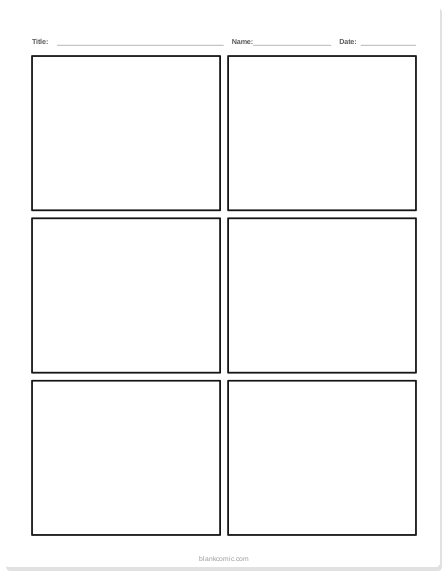
Blank comic page, 6 panels
Three rows of two panels. The classic first page.
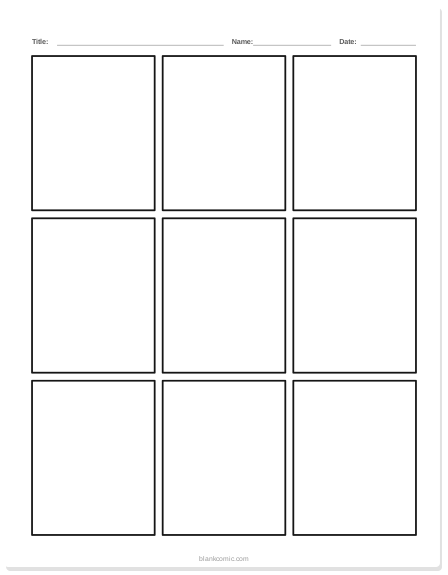
Blank comic page, 9 panels
A 3 × 3 grid for fast action and pacing practice.
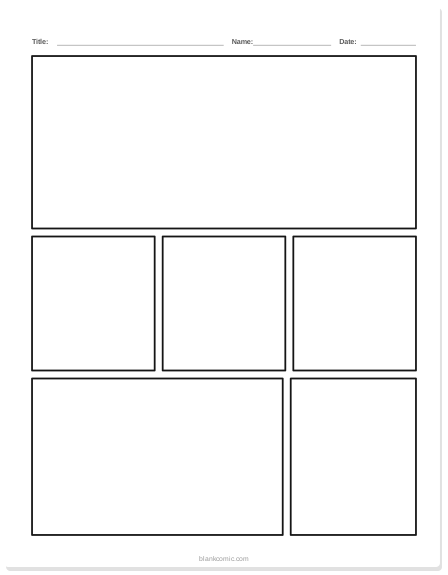
Blank comic page, mixed layout
A wide opening panel, three small panels and a closing row.
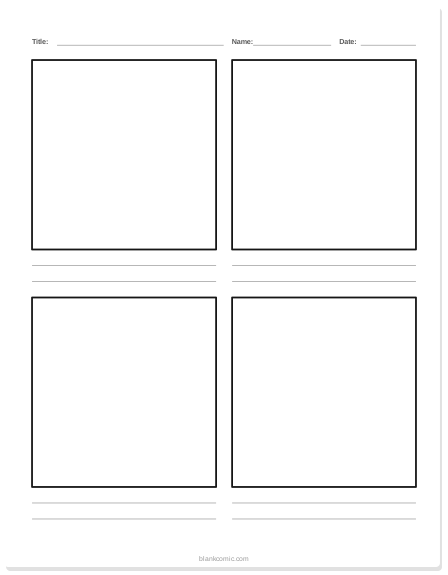
Comic page for kids with writing lines
Four big panels and two lines under each for handwriting.
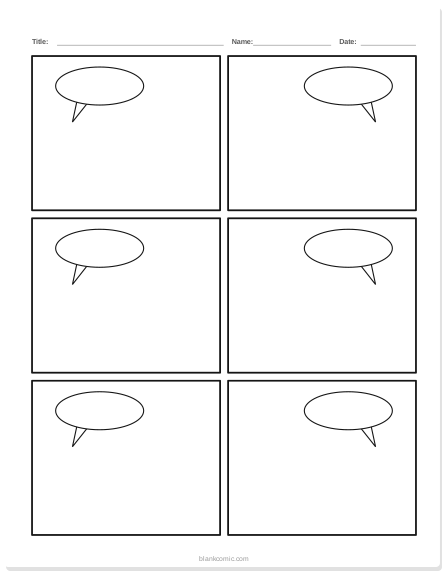
Comic page with speech bubbles
Six panels with empty speech bubbles already drawn.
All 5 pages, US Letter 6 KBAll 5 pages, A4 6 KB
What Makes a Good Blank Comic Book Page?
Not all blank comic templates are equal. Before you print or download anything, check for these three qualities:
- Clear panel borders. Thin, dark outlines that survive printing at home without looking muddy.
- Correct margin treatment. Either proper bleed marks for professional printing or a no-bleed "safe zone" for home printers (more on this below).
- Appropriate gutter spacing. The white gap between panels should be 6–12 px at screen resolution, or 2–4 mm at print resolution, so panels feel separate but not disconnected.
Standard Blank Comic Book Page Sizes
The page size you choose depends on how you plan to use or print it. Here's a quick reference:
| Format | Dimensions | Best For |
|---|---|---|
| US Letter | 8.5 × 11 in | Home printers (USA), school projects |
| A4 | 210 × 297 mm | Home printers (global), classroom use |
| US Comic Book | 6.625 × 10.25 in | Standard publisher trim size |
| Manga Tankobon | 5 × 7.5 in | Manga-style black & white pages |
| Square Web | 800 × 800 px | Instagram / social media posts |
For most home use, US Letter or A4 is the right choice. Both print perfectly on standard home or school printers without any scaling needed.
Blank Comic Book Pages: No-Bleed vs. Full Bleed
What Is Bleed?
In professional printing, "bleed" refers to ink that extends beyond the final trim edge of the page — typically 3 mm (0.125 in) on all sides. It ensures that when the page is cut, there's no white strip visible at the edge. If you're sending your comic to a print-on-demand service, you'll want full-bleed pages.
No-Bleed Pages: The Best Choice for Home Printing
Blank comic book pages with no bleed keep all artwork inside a safe margin — usually 0.25–0.5 inches from the paper edge. This means:
- No important artwork gets cut off by your home printer's unprintable margin zone.
- Pages look clean and complete straight off the printer.
- Kids and beginners don't need to worry about alignment.
Unless you're ordering professional printing, always choose no-bleed blank comic book pages. BlankComic's editor defaults to a 0.3-inch safe margin on all page types — your content will always print complete.
How to Create Printable Blank Comic Book Pages in BlankComic
BlankComic's free online editor lets you design your own blank comic book pages in under two minutes. Unlike static PDF downloads, you control the exact number of panels, their sizes, and the layout — then export a print-ready PNG or PDF at the resolution you need.
QUICK STEPS
- Open the editor at blankcomic.com/editor — no account or download required.
- Choose your page size — open Layout (press L) and pick US Comic, A4, Manga, Square or Webtoon, or enter a custom size in pixels (US Letter is 612 × 792 px).
- Draw your panels — start from one of the 30 layouts, then split panels with H (across) or V (down) and drag their edges to resize.
- Leave panels empty — just set panel borders (black stroke, no fill) for a clean blank comic book look.
- Export as PDF or PNG — high-resolution, print-ready, no watermark.
For a detailed walkthrough of setting up your first page, see our Getting Started guide. For advice on which export format to use for print versus screen, read our Export Guide: PNG, PDF & SVG.
Popular Blank Comic Book Panel Layouts
These are the most common layouts people search for and create. All can be built in under a minute with BlankComic:
3-Panel Page (Vertical Strip)
Three equal horizontal rows stacked top to bottom. Great for simple storytelling — setup, conflict, resolution. Each panel is the full width of the page, giving each moment equal weight.
6-Panel Grid (2×3)
The classic "superhero" layout: two columns of three equal panels. This is the standard for most US mainstream comics. It gives you six beats of action per page and is easy for beginners to fill.
4-Panel Grid (2×2 or 4-Down)
Four panels — either in a 2×2 square grid or stacked in a single column. Very popular for webcomics, manga-style pages, and humor strips. Also see our dedicated guide to the 4-panel comic strip template.
9-Panel Grid (3×3)
Nine equal panels per page — associated with dense, information-rich storytelling (famously used by Alan Moore). Challenging but rewarding: each panel can be a micro-moment.
Asymmetric / Splash Layouts
One large "splash" panel at the top (full-width or two-thirds width) paired with smaller panels below. Ideal for dramatic opening pages or establishing shots. For deeper advice on choosing layouts, see our guide to mastering panel composition.
Blank Comic Book Pages No Bleed: Printer-Safe Dimensions
If you need exact dimensions for no-bleed blank comic book pages that you can recreate or reference in other tools, here they are:
| Page Size | Total Size | Safe Zone (No Bleed) | Panel Area |
|---|---|---|---|
| US Letter | 8.5 × 11 in | 0.375 in margins | 7.75 × 10.25 in |
| A4 | 210 × 297 mm | 10 mm margins | 190 × 277 mm |
| US Comic Book | 6.625 × 10.25 in | 0.25 in margins | 6.125 × 9.75 in |
Most home inkjet and laser printers cannot print within 0.125–0.25 inches of the paper edge. Always use no-bleed layouts for home printing or the artwork at the edges of your page will be clipped.
Blank Comic Book Pages for Specific Audiences
For Kids & Beginners
Large panels with thick borders work best. Aim for 3–4 panels per page maximum. Younger creators get frustrated when panels are too small to draw in. We've written a full guide on blank comic book pages for kids and preschoolers with age-appropriate layouts.
For Classroom Use
Teachers typically need printable sets of 6–8 identical pages. BlankComic lets you create multi-page documents — design your panel template on page one, then duplicate the page across the whole project and export as a single multi-page PDF. See our guide on comic strip ideas for school projects for teacher-ready formats.
For Manga Creators
Manga blank comic book pages use a tighter page size (around 5 × 7.5 in) and typically run 4–7 panels per page in a vertical reading direction. If you prefer the manga aesthetic, read our dedicated guide on blank manga panels to fill in.
Printing a real comic book? Check the standard comic book page size for trim, bleed and safe-area numbers first, then letter your pages with the comic lettering guide.
Frequently Asked Questions
Can I download blank comic book pages as a PDF?
Yes. In BlankComic, once you've set up your panel layout, click Download (Ctrl/⌘ E) and choose PDF at Print quality (300 DPI). The file is print-ready, with no watermark.
Do I need to create an account to use BlankComic?
No account is needed, ever. BlankComic is completely free with no sign-up required.
How many pages can I add to one project?
BlankComic supports multi-page projects. Add as many pages as you need — ideal for building a full blank comic book, not just a single page.
What's the best resolution for printable blank comic book pages?
For home printing, 150–200 PPI is sufficient. For professional printing, export at 300 PPI minimum. BlankComic's PDF export is vector-based, so it prints crisply at any size.
📚 Prefer real paper? M M Milton also publishes physical blank comic books on Amazon — browse the paperback series →